Skip to content
View in the app

A better way to browse. Learn more.

Official Forum of Mobile MMORPG Skylore

A full-screen app on your home screen with push notifications, badges and more.

To install this app on iOS and iPadOS
  1. Tap the Share icon in Safari
  2. Scroll the menu and tap Add to Home Screen.
  3. Tap Add in the top-right corner.
To install this app on Android
  1. Tap the 3-dot menu (⋮) in the top-right corner of the browser.
  2. Tap Add to Home screen or Install app.
  3. Confirm by tapping Install.
  • Search By Tags

    Search will match any tag entered
  • Search By Author

Content Type

Forums

  • International community
    • News & Announcement
    • General section
    • Guides
    • Bug reports
    • Suggestions
    • Guilds
    • Tavern "Hoppy Hog"
    • Creative section
    • Contests
    • Reviews and impressions
  • Русское сообщество
    • Новости и анонсы
    • Общий раздел
    • Руководства
    • Сообщения об ошибках
    • Предложения
    • Гильдии
    • Трактир "Хмельной Боров"
    • Творческий раздел
    • Конкурсы

Find results in

Find results that contain...

Date Created

  • Start

    End

Last Updated

  • Start

    End


Filter by number of...

  • Minimum number of replies

  • Minimum number of views

Found 4 results

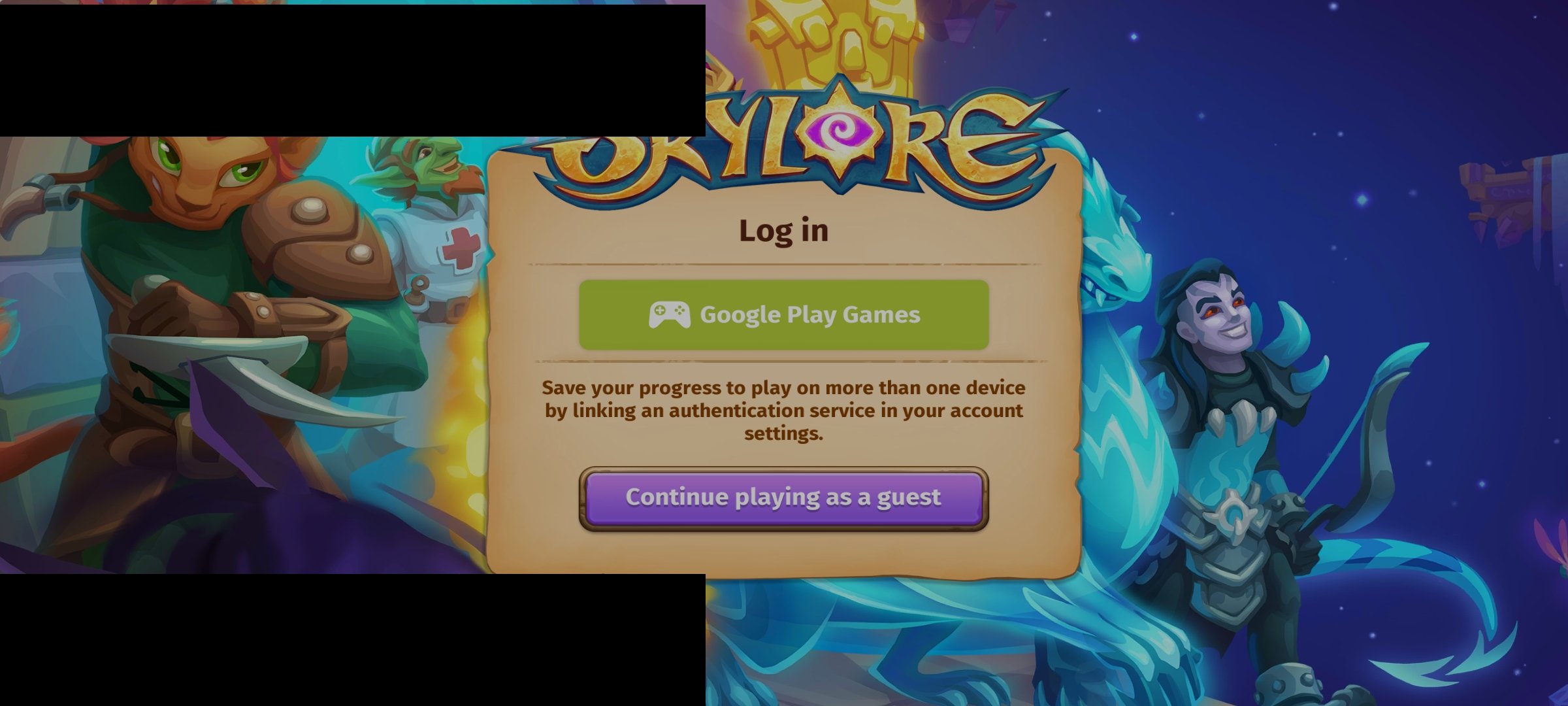
  1. Look at interface...stuck here since long time...i press google play games nothing happen cant access my account... U know how many xp and prizes i lost cuz of that??? The dream event nearly end..so what now? I hope to be compensated for all my losses And no reply on email until now i checked the the address and resend many times....what a bad behaviour with ur player...very annoying
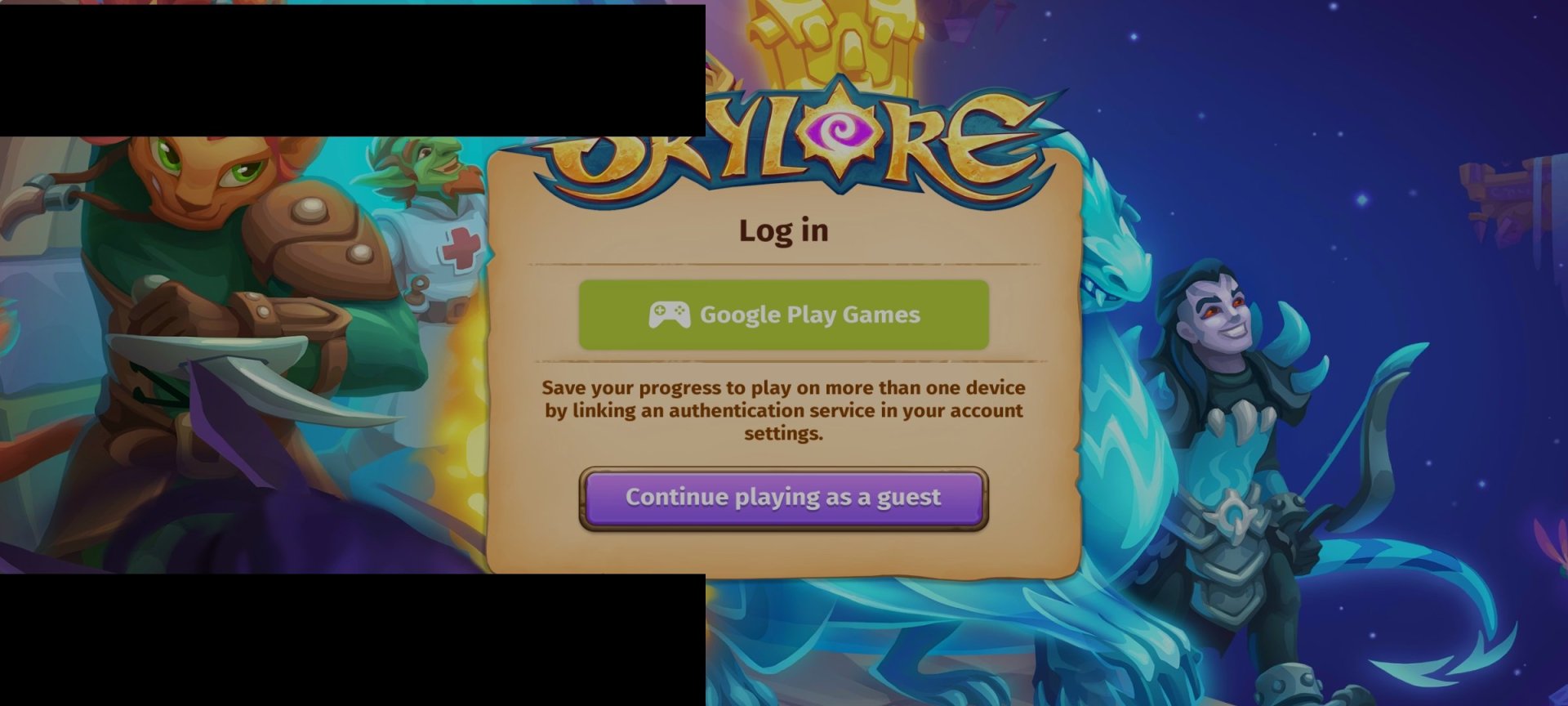
  2. Cant log in...and no Gmail accounts appear ..just stuck in a loop of log in button again and again....
  3. Application crashes on launch but without system dialog. Device lonovo vibe s1, Android 6.0

Account

Navigation

Search

Search

Configure browser push notifications

Chrome (Android)
  1. Tap the lock icon next to the address bar.
  2. Tap Permissions → Notifications.
  3. Adjust your preference.
Chrome (Desktop)
  1. Click the padlock icon in the address bar.
  2. Select Site settings.
  3. Find Notifications and adjust your preference.